How to Create a Summer and Fall Photo Book
6 min read
1031 words
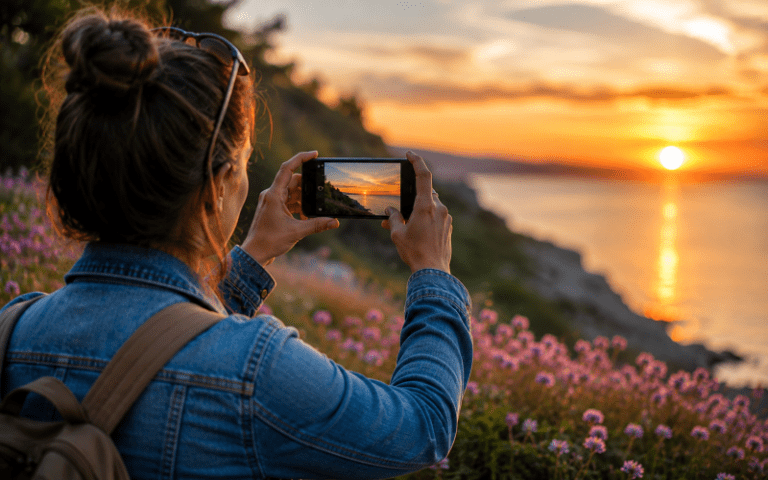
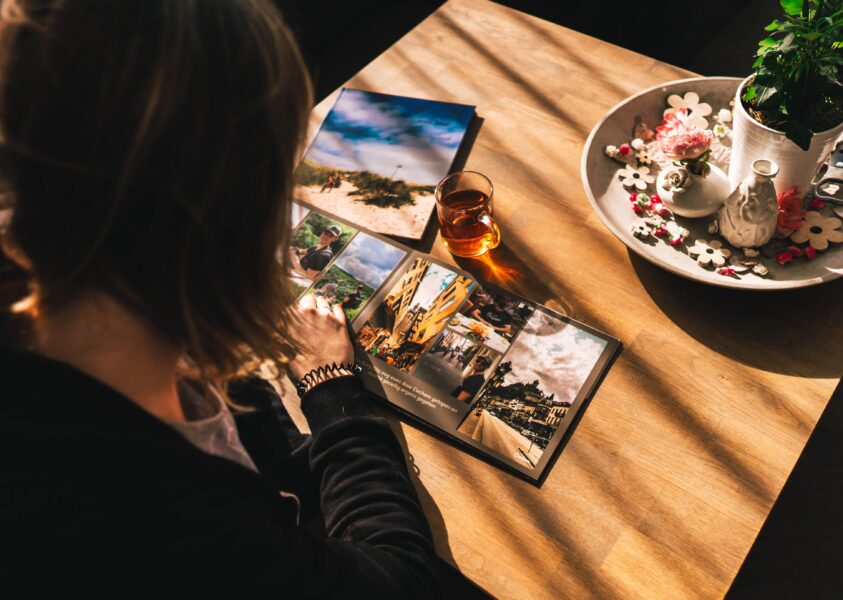
Summer and fall have a way of filling our phones with photographs. There are pictures from family outings, weekend trips, gardens, birthdays, road trips and simple afternoons spent enjoying the warmer weather. Then winter arrives, and those photographs often stay exactly where they were taken: on a phone or tucked away in a cloud account. Creating a physical photo book is a simple way to bring those memories back into your home. Instead of scrolling through hundreds of pictures, you can sit down with a book and turn the pages whenever you want.
For anyone interested in memory keeping, a photo book can also become something you pass along to family.
Start by Sorting Your Photos
You do not need to use every photograph you took during the summer and fall.
Start by creating a folder on your computer or phone for the photos you want to consider. You might call it “Summer and Fall Memories” and add pictures from different events throughout the season.
Look for photographs that tell a story rather than simply choosing every picture that is technically good.
A slightly imperfect photograph of everyone laughing around a table may be much more meaningful than a perfectly posed picture.
Choose a Theme
Your photo book can cover the entire season or focus on one particular adventure.
For example, you could create a book about:
- A summer vacation
- A mother and daughter trip
- Family gatherings
- Gardening and outdoor projects
- A cottage or camping season
- Summer birthdays
- Fall activities
- A road trip
- Your grandchildren
- Your pets and family life
A seasonal book can be especially nice because it brings several smaller memories together.
Keep the Layout Simple
You do not need to become a graphic designer to create a beautiful photo book.
Choose a simple layout that allows the photographs to be the focus. Some pages might contain one large photograph, while others could have several smaller pictures.
Try not to overcrowd every page.
Leaving some white space around photographs can actually make the finished book look cleaner and easier to enjoy.
Add a Few Words
Photographs tell part of the story, but a short caption can help preserve details that might otherwise be forgotten.
Add the location, date, names or a sentence about what was happening.
Years from now, “September 2026, Montréal” may bring back memories that are difficult to capture in a photograph alone.
You can also include funny moments, favourite restaurants, special occasions or little details that made the day memorable.
Look Into Custom Photo Books
There are many companies offering custom photo books, and most allow you to create your book online.
You generally upload your photographs, choose a book size and cover, arrange your pages and then place the order.
Prices vary depending on the number of pages, paper quality, cover style and size. Watch for seasonal promotions because photo printing companies frequently offer discounts.
Before ordering, look carefully at the final preview. Make sure photographs are not accidentally cropped and that captions are spelled correctly.
Try Canva for More Creative Control
If you enjoy designing your own pages, Canva is another option to consider. You can upload your photographs and create your own layouts using templates, text, frames and other design elements.
Canva can be especially useful if you want to add captions, dates, travel details or short stories alongside your photographs. You can create each page to suit your own style rather than relying entirely on an automatic photo book layout.
Once your design is finished, you can download or print your project, depending on the options available. It is also a useful tool for creating digital versions of your memories that you can share with family.
Whether you use Canva, a photo printing service or a traditional album, the important thing is to choose a method that makes it easy for you to preserve and enjoy your photographs.
Consider Photo Printing Services
Traditional photo printing services are another option if you prefer putting together your own album.
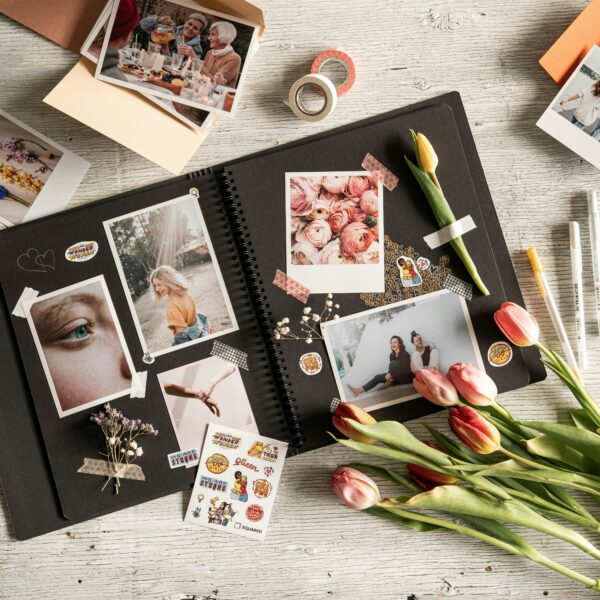
You can have individual photographs printed and place them in a traditional photo album, scrapbook or memory box.
This approach gives you more flexibility. You can add handwritten notes, ticket stubs, postcards and other small items from your travels.
It can also be a good option if you already have an album at home that you want to continue filling.
Do Not Forget Your Phone Photos
Many of us now take photographs almost exclusively with our phones.
Before creating your book, check folders such as screenshots, messaging apps and shared albums. You may find photographs you had completely forgotten about.
It is also worth checking older computers, USB drives and memory cards if you have photographs stored in different places.
Just remember to back up important photographs before deleting anything from your devices.
Make Copies for Family
If you have created a particularly meaningful book, consider ordering an extra copy for a family member.
A book documenting a family vacation, a child’s growing years or a special celebration can become a thoughtful gift.
Digital photographs are convenient, but there is something different about being able to hand someone a book and say, “Remember this?”
Think Beyond the Current Year
Once you have created one photo book, you may find yourself wanting to make another.
You could create a yearly family album, a travel collection or a book for a particularly memorable event.
Over time, these books can become a visual history of your family.
Why Physical Photos Still Matter
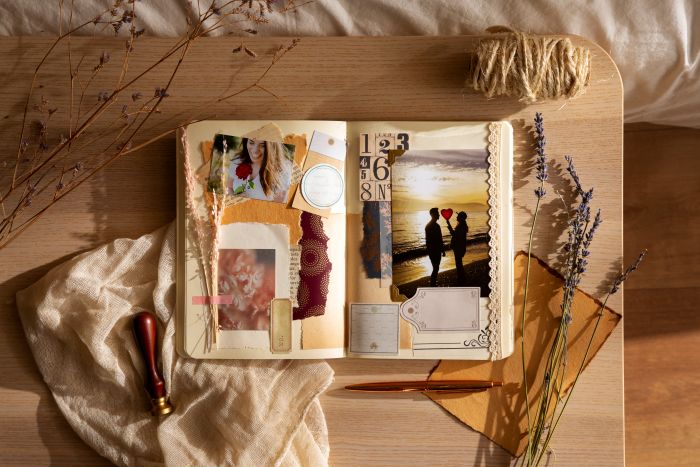
We take more photographs than ever, yet many of them are rarely looked at again.
Phones make it easy to capture a moment, but they also make it easy for that moment to disappear among thousands of other images.
Printing photographs gives them a physical presence. A photo book can sit on a coffee table or bookshelf and be picked up years later.
That is one of the reasons memory keeping continues to matter in a digital world.
Your summer and fall photographs do not have to remain buried in your phone. With a little sorting and planning, you can turn them into something you can enjoy today and look back on for years to come.