
How to Make Money With Canva Templates (2026 Guide)
3 min read
553 words
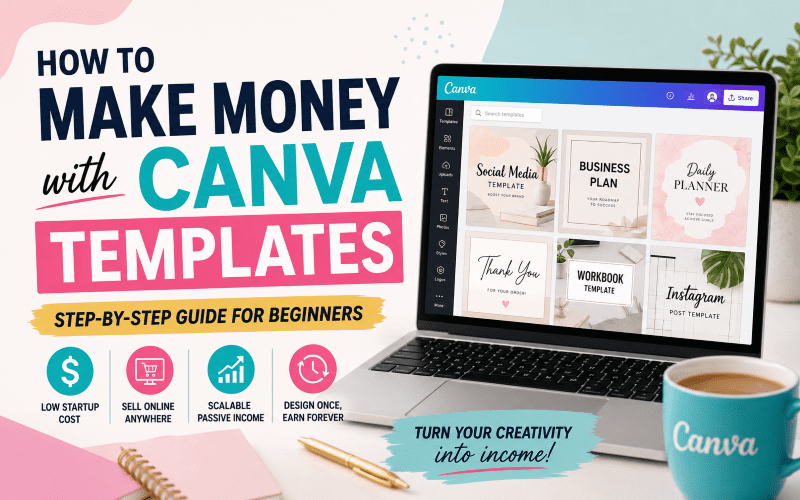
Canva templates have become one of the fastest-growing digital products in 2026, allowing beginners to build passive income streams with no inventory, shipping, or advanced design skills. In this guide, you will learn exactly how to create, sell, and scale a profitable Canva template business step by step.
What Are Canva Templates?
A Canva template is a pre-designed, editable layout created using Canva, a popular graphic design platform. Customers can customize text, images, and colors instantly—even with a free account.
You design once and sell it repeatedly as a digital product.
Popular Canva Template Types
- Instagram posts and social media kits
- Business branding kits
- Resumes and cover letters
- eBooks and digital guides
- Planners and journals
- Marketing materials such as flyers and brochures
- Event invitations
Why Canva Templates Are Profitable in 2026
- High demand for digital content
- No inventory or shipping required
- Low startup cost
- High profit margins
- Scalable passive income model
Many creators earn anywhere from $500 to $10,000+ per month with digital product shops.
Best Niches for Canva Templates
Choosing the right niche is critical for success. Focus on audiences that actively need design solutions.
- Small business owners
- Content creators and influencers
- Coaches and entrepreneurs
- Teachers and students
- Etsy sellers
High-Demand Product Ideas
- Instagram branding kits
- Wedding invitation bundles
- Real estate marketing templates
- Etsy shop starter kits
- Digital planners and trackers
- Podcast branding kits
How to Create Canva Templates
You can create templates using Canva in just a few steps:
- Choose a niche and template type
- Select correct design dimensions
- Create clean, editable layouts
- Use consistent branding with fonts and colors
- Ensure all elements are editable
- Bundle multiple designs for higher value
Bundled templates sell significantly better than single designs.
Where to Sell Canva Templates
- Etsy
- Gumroad
- Creative Market
- Payhip
- Shopify store
- Personal website
How to Optimize Listings for SEO
- Use long-tail keywords
- Write keyword-rich titles
- Create detailed descriptions with benefits
- Use high-quality mockups
- Fill all tags strategically
How to Get Traffic and Make Sales
- Pinterest marketing
- TikTok product demos
- Instagram Reels
- SEO blogging
- Email marketing with free lead magnets
How Much Money Can You Make?
- Beginner: $100 to $1,000 per month
- Intermediate: $1,000 to $5,000 per month
- Advanced sellers: $5,000 to $10,000+ per month
Income depends on niche selection, SEO optimization, product quality, and traffic strategy.
Common Mistakes to Avoid
- Selling single low-value templates instead of bundles
- Ignoring SEO keywords
- Poor design quality
- No niche targeting
- Weak product mockups
Monetization and Scaling Strategies
- Create multiple template bundles
- Upsell premium versions
- Build a strong brand
- Use affiliate marketing
- Expand into courses or coaching
Step-by-Step Beginner Action Plan
- Pick a niche
- Create 5 to 10 templates
- Open an Etsy or digital store
- Optimize SEO listings
- Drive traffic using Pinterest and TikTok
- Scale with bundles and marketing
Frequently Asked Questions
Do I need Canva Pro to sell templates?
No. You can start with a free Canva account.
How much can beginners earn?
Beginners typically earn $100 to $1,000 per month with consistency.
Where is the best place to sell Canva templates?
Etsy is the best platform for beginners.
Is this passive income?
Yes. Once created and listed, templates can generate ongoing sales.
Conclusion
Building a Canva template business is one of the most beginner-friendly online income streams in 2026. With low startup costs and strong demand, anyone can start building passive income.
The key is to start small, focus on quality, optimize for SEO, and consistently drive traffic.