AI Gaming Monitors 2026: Features, Benefits & Buying Guide
4 min read
647 words
What Is an AI Gaming Monitor?
An AI gaming monitor typically refers to a display that uses built-in image processing algorithms to optimize visuals dynamically.
This may include software-based enhancement features or dedicated processors that adjust picture output based on content, lighting conditions, or game type.
Unlike traditional monitors that simply display the signal received from the GPU, AI-assisted monitors apply additional post-processing to improve clarity, contrast, and motion handling.
It is important to note that “AI gaming monitor” is not a formal industry standard category. Instead, it is a marketing term used to describe monitors with advanced adaptive image processing features.
How AI Features Improve Gaming Performance
Adaptive Image and Contrast Enhancement
AI-assisted processing can analyze on-screen content and adjust brightness, contrast, and sharpness in real time.
This improves visibility in dark scenes without washing out the overall image.
Motion Processing and Clarity Improvements
High refresh rate monitors already rely on technologies like VRR (Variable Refresh Rate), including G-Sync and FreeSync, to reduce screen tearing and stutter.
AI-enhanced monitors may refine motion clarity by optimizing frame transitions and reducing perceived blur through image processing.
However, response time still depends on the physical panel.
Adaptive Display Optimization
Some monitors can automatically adjust settings based on the type of game being played:
- FPS games → clearer shadows and motion readability
- RPGs → richer color depth and contrast
- Racing games → improved brightness balance and smooth motion
Eye Comfort and Long Gaming Sessions
- Blue light reduction based on ambient lighting
- Flicker reduction technologies
- Automatic brightness adjustment
Do You Actually Need an AI Gaming Monitor in 2026?
Best for:
- Competitive esports players
- Fast-paced FPS gamers
- Users upgrading from older 60Hz displays
Not essential for:
- Casual gamers
- Story-driven or indie game players
- Users already using 144Hz+ monitors
For most users, traditional high-refresh monitors still deliver excellent performance without requiring AI-based enhancements.
Leading Brands in AI-Enhanced Gaming Displays
ASUS
ASUS ROG monitors often include adaptive game presets and intelligent display tuning for different genres.
LG Electronics
LG UltraGear OLED monitors combine OLED technology with intelligent brightness and HDR optimization.
Samsung
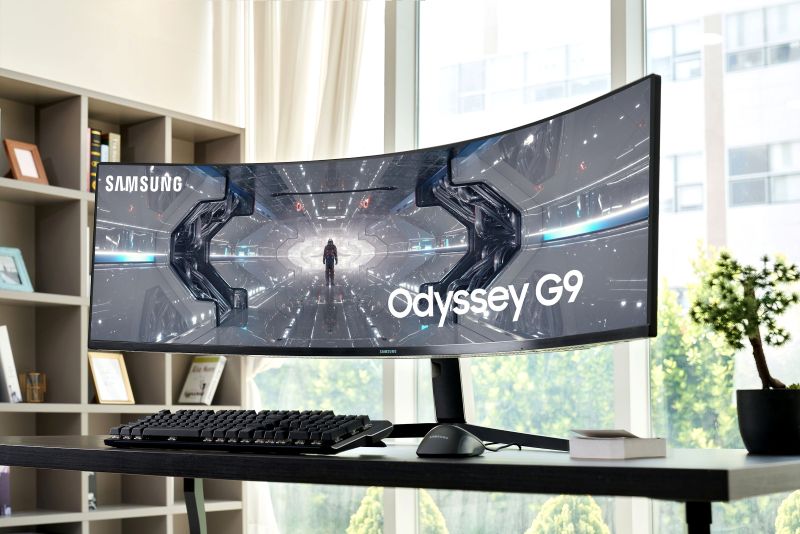
Samsung Odyssey monitors are designed for immersive ultrawide gaming and high-performance visuals, with select models offering advanced display processing features that improve clarity and HDR performance.
Alienware
Alienware gaming monitors prioritize low-latency performance and competitive gaming optimization.
AI vs Traditional Gaming Monitors
| Feature | Traditional Monitor | AI-Enhanced Monitor |
|---|---|---|
| Response Time | Hardware-based | Same physical limitation |
| Motion Handling | VRR (G-Sync / FreeSync) | VRR + image optimization |
| Visual Enhancement | Manual settings | Adaptive processing |
| Price | More affordable | Premium pricing |
Are AI Gaming Monitors Worth It?
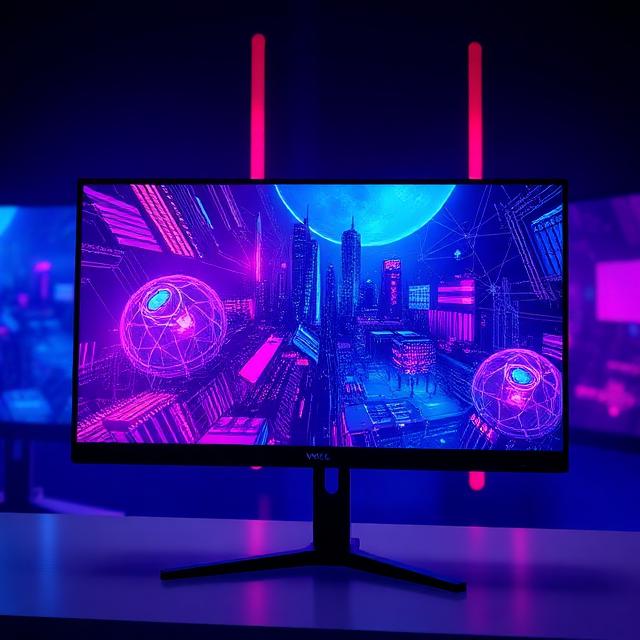
AI gaming monitors provide noticeable improvements in visual clarity, adaptive settings, and convenience features.
However, they do not replace core performance specifications like refresh rate, response time, and panel quality.
Key competitive advantages still come from:
- High refresh rate (144Hz–360Hz)
- Low response time panels
- Strong VRR support
AI features should be viewed as an enhancement layer rather than the primary performance driver.
Key Features to Look For
- 144Hz or higher refresh rate
- VRR support (G-Sync / FreeSync)
- Low response time (1ms–3ms)
- HDR600 or higher
- OLED or IPS panel type
- Adaptive or AI-assisted display tuning
Final Thoughts
AI gaming monitors represent an evolution in display technology rather than a complete replacement for traditional monitors.
Their main value lies in adaptive image processing and improved user experience rather than raw performance gains.
For gamers in 2026, AI features are best considered a premium upgrade—not a necessity.