
5 min read
882 words
Let’s be honest. You’ve spent hundreds, maybe thousands, on a high-performance PC, a crystal-clear monitor, and a mouse with pinpoint accuracy. You’ve curated the ultimate gaming setup, but what are you sitting on? If the answer is a hand-me-down office chair or, worse, a rigid dining chair, you’re not just compromising your comfort—you’re bottle necking your performance and risking your long-term health. A great gaming chair isn’t a mere accessory; it’s the command center for your digital adventures.
It’s an investment in marathon-session endurance, ergonomic well-being, and the immersive experience you deserve. But with a sea of options, flashy designs, and technical jargon, choosing the right one can feel like a daunting boss battle. Fear not, adventurer. This guide will equip you with the knowledge to cut through the noise and select the perfect gaming chair that’s truly worthy of you.
Beyond the Racing Stripes: Ergonomics and Material Are King
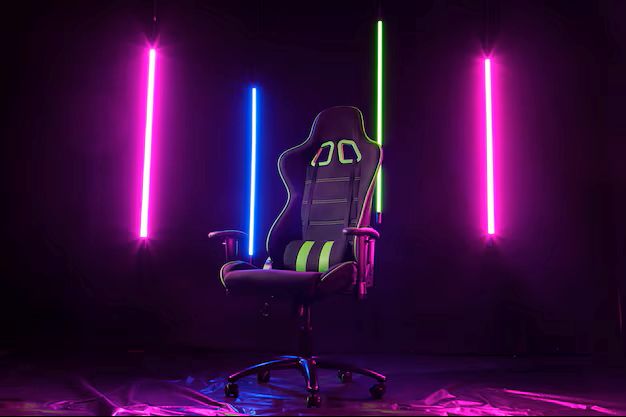
Before you get seduced by a gaming chair’s sleek aesthetic or bold color scheme, you must prioritize its core function: supporting your body. A chair that looks cool but leaves you sore is a failed investment.
Ergonomics: Your Spine’s Best Friend This is the single most crucial factor. A truly ergonomic chair is designed to conform to your body, promote healthy posture, and prevent the strain that leads to back, neck, and shoulder pain.
- Lumbar Support: This is non-negotiable. Look for a chair with pronounced lumbar support to maintain the natural curve of your lower back. The best options offer adjustable support, either through a movable pillow or an internal mechanism you can dial in for a perfect fit. This feature alone can transform a multi-hour gaming session from a painful ordeal into a comfortable escapade.
- Neck and Headrest: The iconic high back of a gaming chair isn’t just for show. It provides full spinal support, capped off with a headrest or neck pillow. This prevents you from hunching forward and alleviates tension in your neck and shoulders, especially when you recline.
- The Seat Base: Pay attention to the seat. A “waterfall” edge, which curves downward, helps reduce pressure on the back of your thighs and improves blood circulation. Bolstered sides, common in racing-style chairs, can provide a snug fit, but ensure they aren’t so tight that they restrict your movement.
Material Matters: Choose Your Armor The material of your chair dictates its feel, breathability, and durability.
- PU Leather: The most common choice, Polyurethane leather offers a premium look without the premium price tag. It’s water-resistant, easy to clean (a huge plus for snack-related casualties), and durable. Its main drawback? It can trap heat, which might be a concern if you run hot or live in a warmer climate.
- Fabric: For those who prioritize breathability, a fabric chair is the champion of comfort. Soft, cozy, and highly breathable, it keeps you cool and comfortable during the most intense gaming marathons. The trade-off is that it’s more susceptible to stains and harder to clean than its leatherette counterpart.
- Real Leather: The ultimate luxury. Real leather is exceptionally durable, develops a unique patina over time, and offers a superior feel. However, it comes with a significantly higher price tag and requires regular maintenance to keep it in prime condition.
The Power of Personalization: Adjustability and Fit
A gaming chair can have the best ergonomic design in the world, but if it doesn’t adjust to your unique body shape and size, its benefits are lost. Personalization is what elevates a good chair to a great one.
Mastering Adjustability Think of these features as the skill points you can allocate to tailor the chair perfectly to your build.
- 4D Armrests: This might sound like a gimmick, but it’s a game-changer. While 1D armrests only move up and down, 4D armrests adjust in four directions: up/down, forward/backward, side-to-side, and rotational angle. This allows you to position your arms perfectly to support your wrists and elbows, reducing strain while using your mouse and keyboard. Don’t settle for less than 2D if you can help it.
- Recline and Tilt: A deep recline is a hallmark of gaming chairs. Look for a backrest that can go back at least 135 degrees, allowing you to relax between matches or even kick back to watch a movie. Equally important is a good tilt mechanism with a lock. This lets you rock the entire chair for a more dynamic seating position or lock it in place when you need absolute stability.
- Height and Weight Capacity: This is critical. One size does not fit all. Before you click “buy,” check the manufacturer’s recommended height and weight limits. A chair that’s too small for you won’t provide adequate support, while one that’s too large will leave your feet dangling and your back misaligned. Using a chair designed for your frame is the final, crucial step in achieving ergonomic harmony.
The Final Verdict
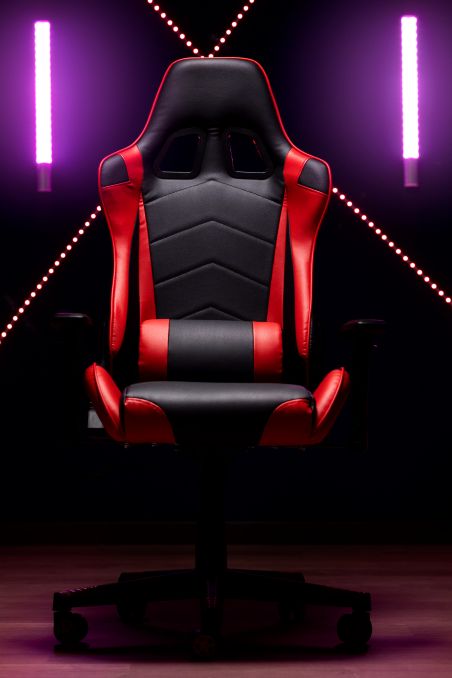
Choosing a gaming chair is a personal journey. It’s about finding the perfect blend of ergonomic support, material comfort, and custom-fit adjustability that works for you. Don’t just buy a chair; invest in your health, your comfort, and your overall gaming experience. Your body—and your in-game performance—will thank you for it. Now go forth and claim your throne.
 Valerie Cox